
How to sign in and reset a forgotten password
Sign in to the Trakr web app with your email and password, or with Google, Facebook or Apple, and recover your login or password if you forget it.
On this page Before you start
Sign in to open your Trakr web app, and fix it quickly if you forget your password.
Before you start
Your account is created by an admin in your company, or when you sign up. You need the email address linked to it.
Sign in with email and password
- Go to the Trakr web app sign-in page.
- Type your Email Address.
- Type your Password. Click the eye icon to see what you typed.
- Click Next. The button stays grey until both fields are filled.
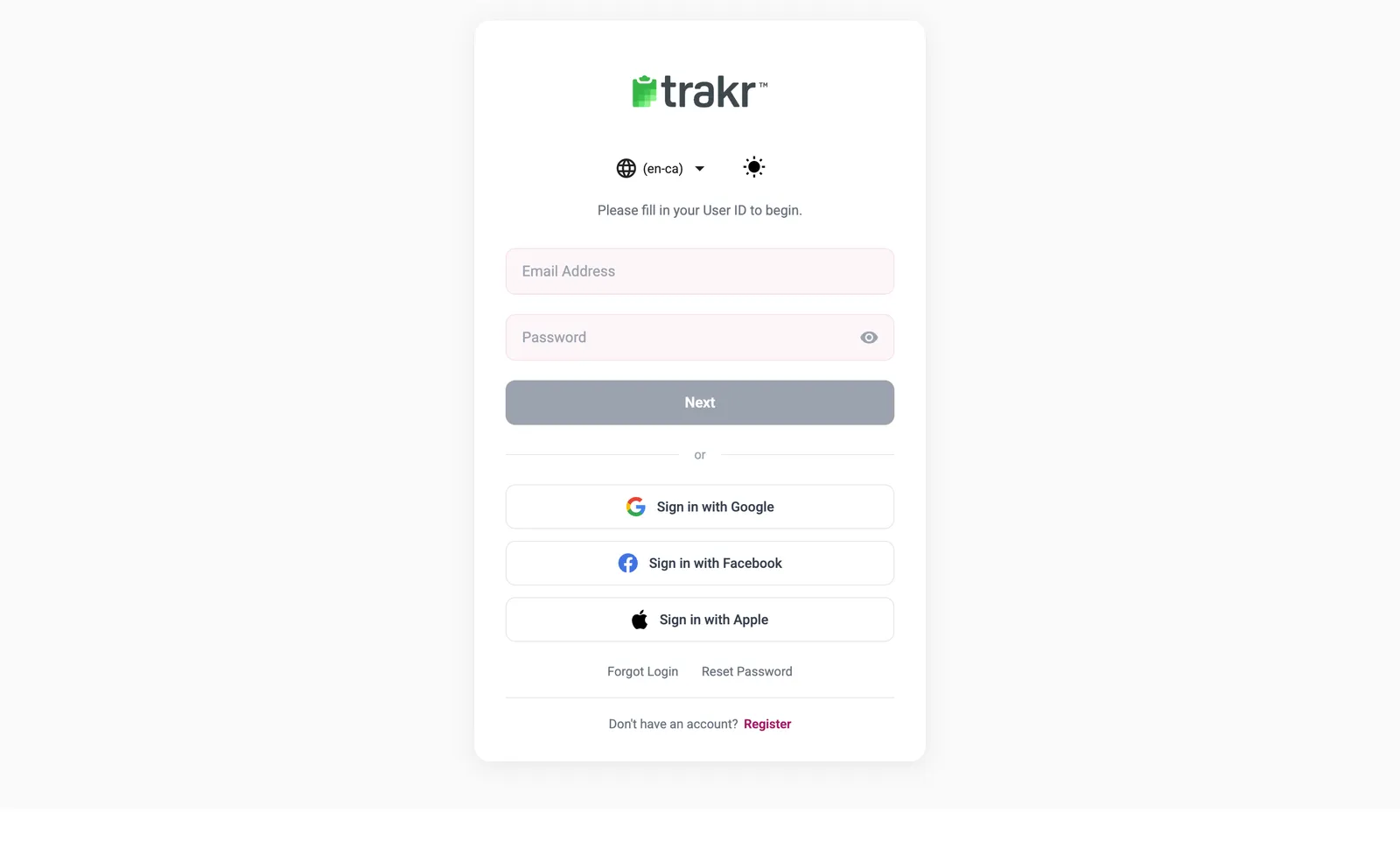
- 1Email Address
- 2Password
- 3Next
If your user belongs to more than one company or location, you are asked to choose one after signing in. You land on the Dashboard.
Sign in with Google, Facebook or Apple
Click Sign in with Google, Sign in with Facebook or Sign in with Apple instead of typing a password. A small window opens so you can approve the sign-in.
Forgot your password
- On the sign-in page, click Reset Password.
- Enter your Email, First Name and Last Name, then click Next.
- If asked, choose your company, then click Reset Password.
- Open the email from Trakr and follow the link to choose a new password.
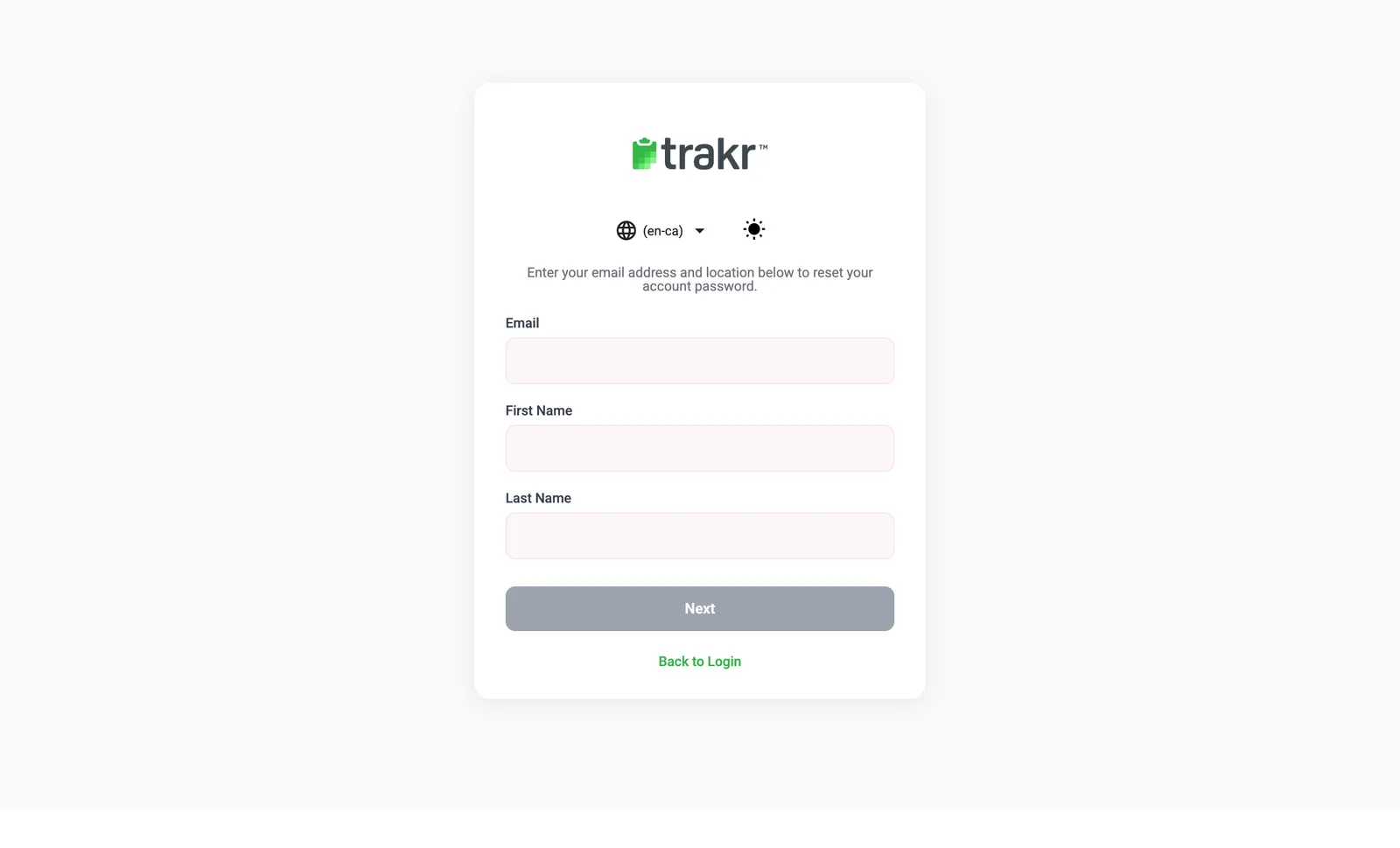
- 2Your details
Forgot your login (User ID)
Click Forgot Login, enter your Email and Company, then click Retrieve User ID. Trakr emails your User ID to you.
Change your password later
When you are signed in, you can change it any time from your profile. See Change your password.
Still stuck? See I can’t sign in.
Common questions
How many wrong passwords can I try?
After 3 wrong attempts in a row, your account is suspended for 30 minutes. The sign-in page shows how many attempts you have left. If you get locked out, use Reset Password or contact support.
I got no reset email. What now?
Check your spam folder first. For safety, Trakr sends the same message whether or not an account matches, so confirm you used the email address your admin set up. Still nothing? Email support@trakrsuite.com.
Can I sign in with the same login on my phone?
Yes. The Trakr Inventory app uses the same User ID (your email) and password. Social sign-in buttons are only on the web app.
Related articles
Was this article helpful?
Thanks, that helps us keep the guides honest. Need more help? Contact us