
How to change your password and profile
Change your Trakr password, update your name, phone and time zone, and add a profile photo from your Profile page in a few quick steps.
On this page Open your profile
Keep your Trakr Inventory account safe by changing your password now and then. You can also update your name, phone, time zone and photo from the same page.
Open your profile
- Look at the bottom of the side menu. Your name and role are there.
- Click the three-dot button next to your name.
- Click Profile.
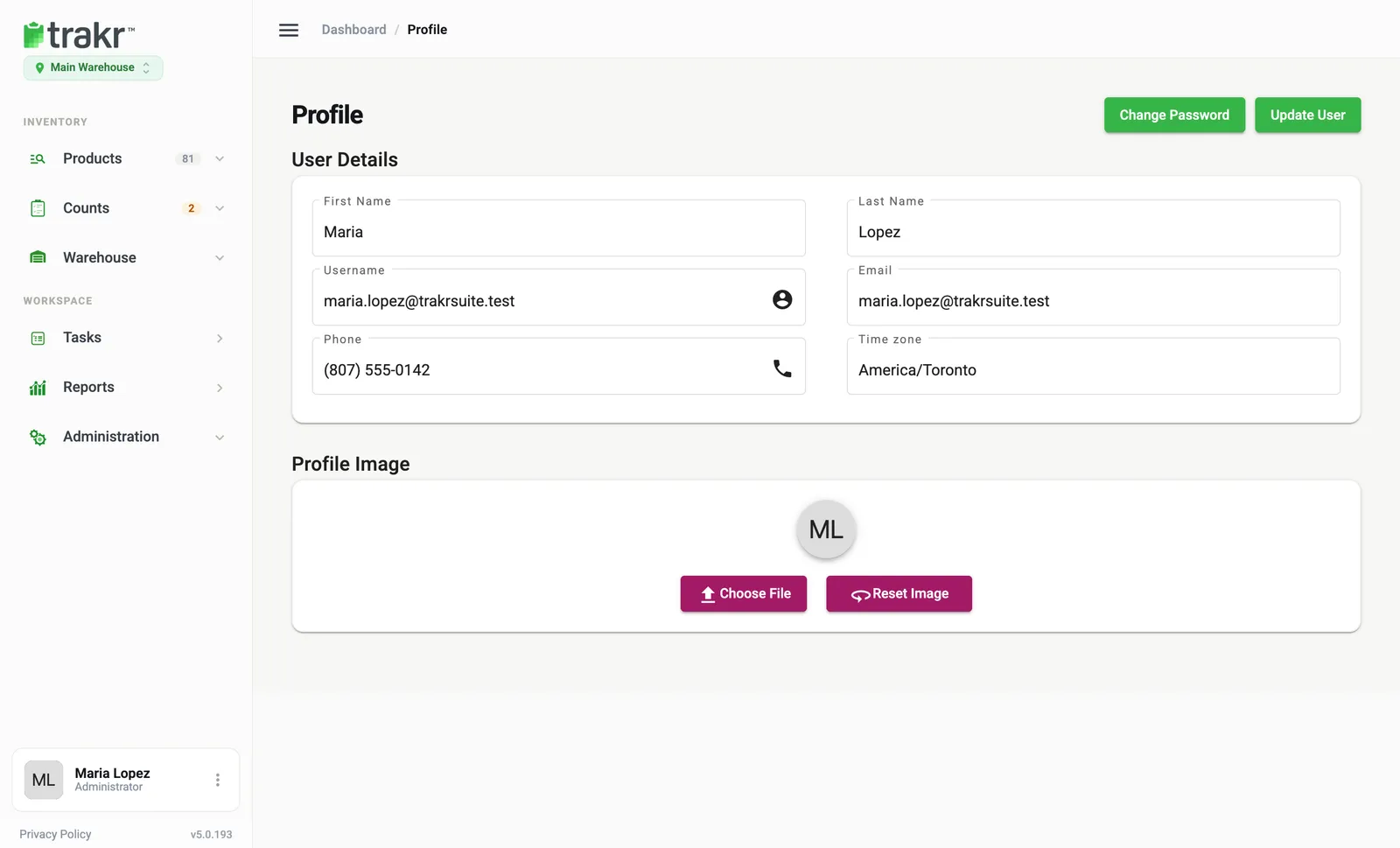
- 1Change Password
- 2Update User
Change your password
- On the Profile page, click Change Password (top right). A dialog opens.
- Type your current password in Old Password.
- Type the new one in New Password. A checklist turns green as you meet each rule: at least 8 characters, one number, one capital letter, one small letter and one special character.
- Type it again in Confirm Password.
- Click Change Password.
Update your details
- On the Profile page, change First Name, Last Name, Username, Email, Phone or Time zone.
- Click Update User. A message confirms that your information was updated.
Your time zone controls how dates and times appear for you, so make sure it matches where you work.
Add a profile photo
Under Profile Image, click Choose File and pick a picture. A cropping box helps you frame it. To go back to your initials, click Reset Image.
Good to know
- Your role and locations do not show here. An admin changes them in Administration > Users.
- Forgot your password and cannot sign in? Start from the sign-in page instead. See I can’t sign in.
- To help a teammate who is locked out, see How to reset a teammate’s password.
Common questions
What makes a strong enough password?
At least 8 characters, with one number, one capital letter, one small letter and one special character. Trakr shows a checklist while you type.
I forgot my password. What do I do?
Click Reset Password on the sign-in page. Enter your email, first name and last name, and Trakr emails you a link if it finds a matching account.
Can I change my own role here?
No. Only a person with permission to edit users can change roles, and nobody can change their own.
Can I change my username?
Yes, on the Profile page. Remember that you use it to sign in, so tell your team if it changes.
Related articles
Was this article helpful?
Thanks, that helps us keep the guides honest. Need more help? Contact us