
How to find a past count
Look up finalized counts, open their reports, search by name, export them to Excel or send a closed count back to draft.
On this page Find a finalized count
Every count you finalize stays in Trakr Inventory, so you can look back at who counted what and when.
Find a finalized count
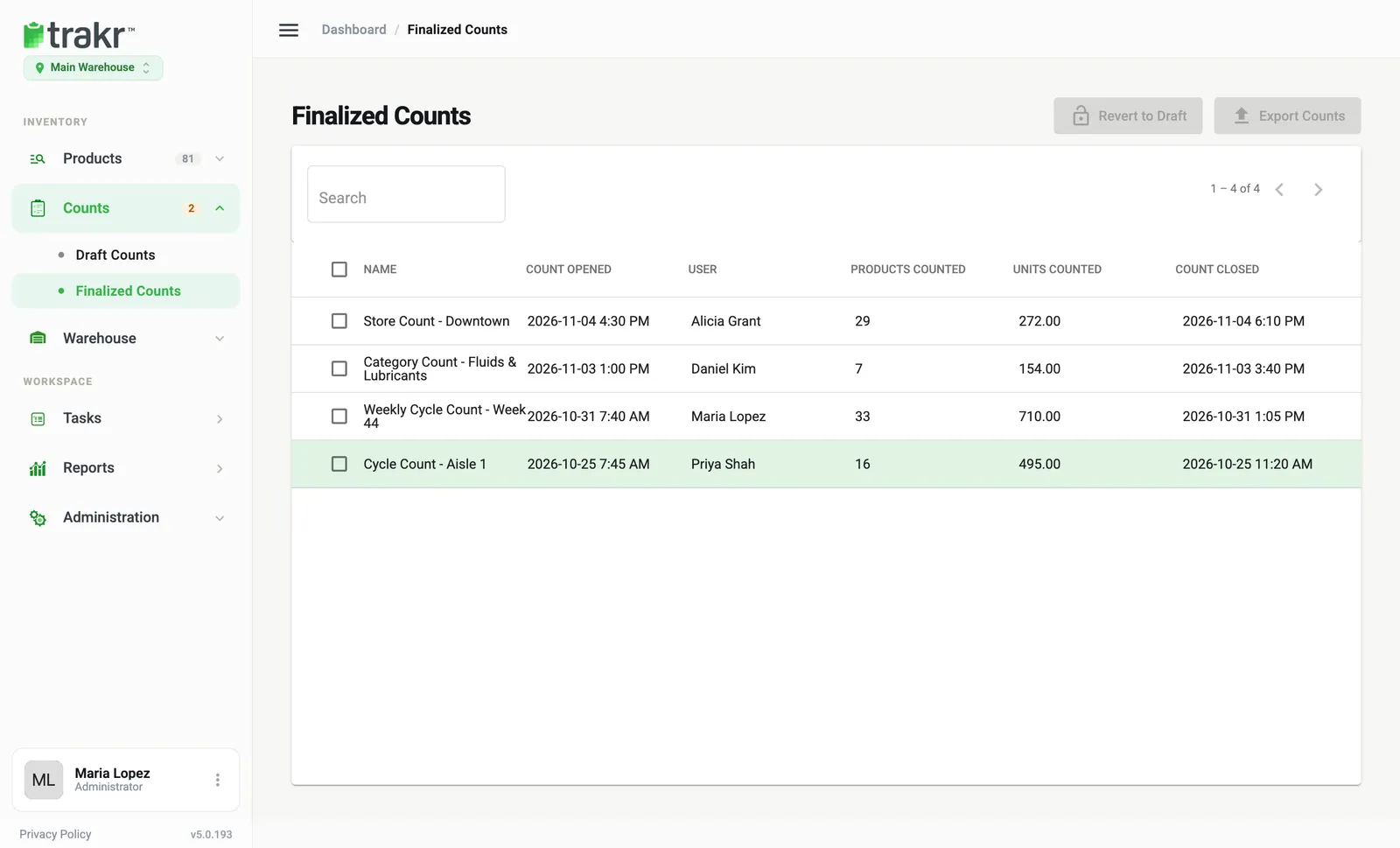
- Go to Counts > Finalized Counts.
- Scan the list. Newest counts are first. Columns: Name, Count Opened, User, Products Counted, Units Counted, Count Closed.
- Use Search to find a count by name. Use the arrows at the top right to page through the list.
- Click a row to open its report. It shows each product’s code, name, UOM and counted quantity, with who counted and the start and end time.
Share or export a count
- In the open report, use Send Report (email), Generate PDF, or Select Report for other views such as Value, Reorder or Excel.
- On the list, tick one or more counts and click Export Counts to download them together.
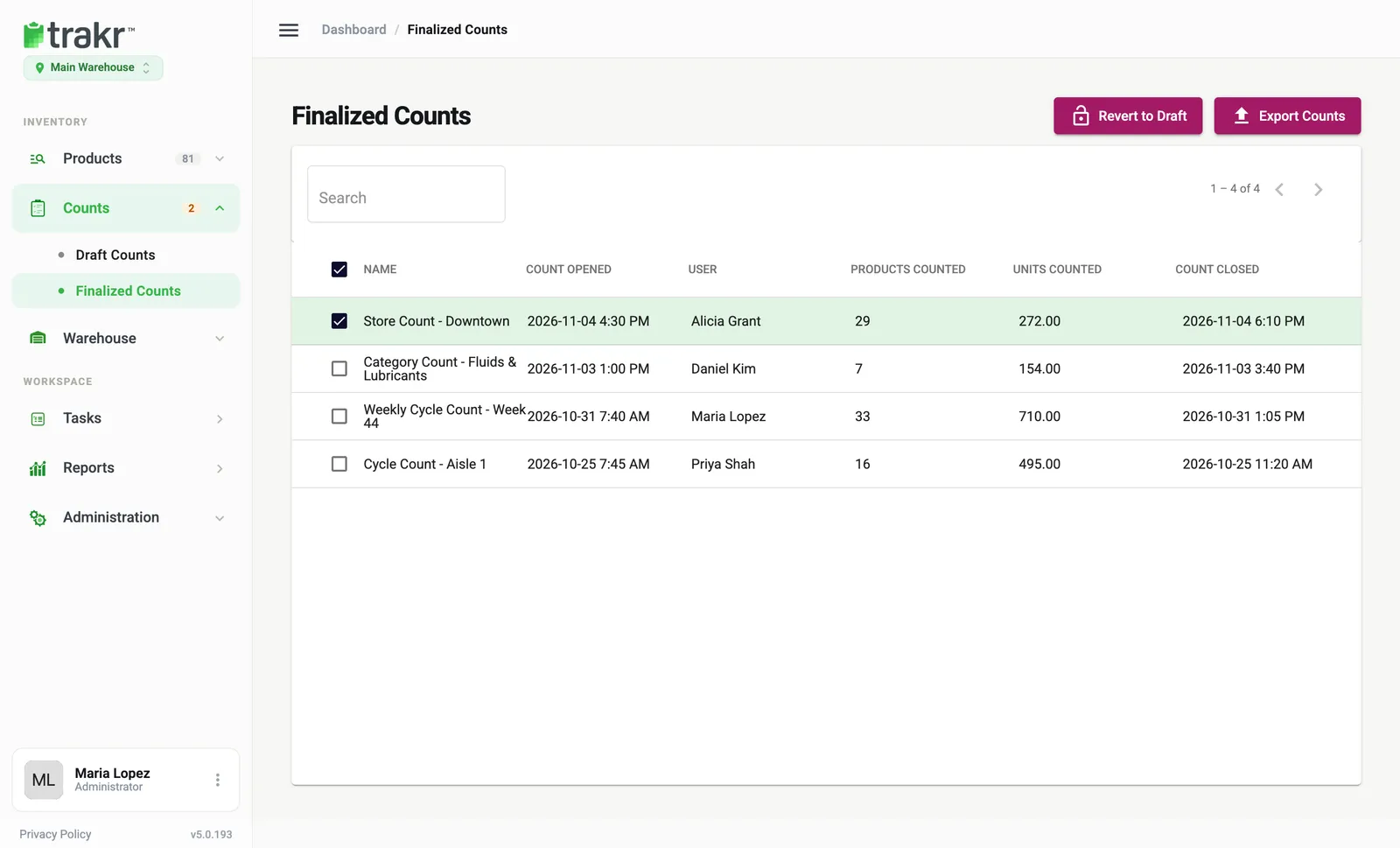
- 1Revert to Draft
- 2Export Counts
Reopen a count
Tick a count and click Revert to Draft, then Confirm. It returns to Draft Counts. See Finalize a count for what this does and does not undo.
See one product’s count history
Sometimes you want the counts for a single product instead of a whole count.
- Go to Products > Product Catalog and click the product.
- Click Product Activity.
- Each storage shows On Hand and Last Count. Open it to see the activity: counted, received, picked and adjusted entries, with time, user and quantity.
Where else counts show up
- The dashboard Health Check includes count freshness and variance.
- Reports cover on-hand, received and picked inventory.
Counts that are still open are not here. They are in Counts > Draft Counts.
Common questions
Is there a separate Count History page?
No. Closed counts live in Counts > Finalized Counts. Open counts are in Counts > Draft Counts. For one product's counts, open the product and click Product Activity.
How do I find the last time a product was counted?
Open the product in the Product Catalog and click Product Activity. Each storage shows its Last Count, and the history lists every count with date, user and quantity.
Can I change a finalized count?
Finalized counts are read-only. Use Revert to Draft to reopen one.
Related articles
Was this article helpful?
Thanks, that helps us keep the guides honest. Need more help? Contact us