
My report is empty
A Trakr report shows no rows? Check the date range, the location, the filters, and whether anything has been received, picked or set up yet.
On this page Check these, most likely first
You open a Trakr Inventory report under Reports and see no rows, or fewer than you expect. The report is usually working. It is just filtered, or there is nothing yet to show. Check these from most to least likely.
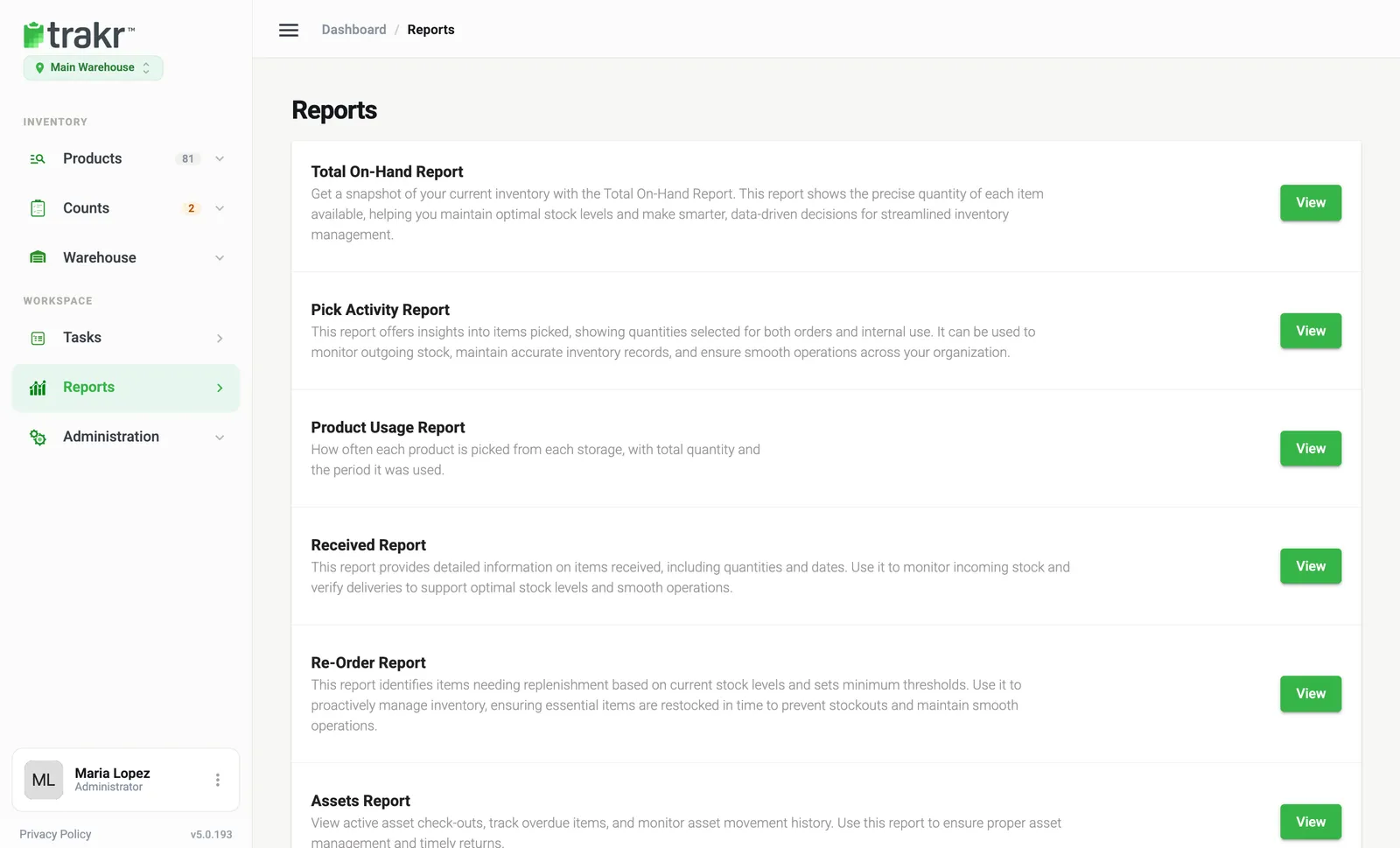
Check these, most likely first
1. The date range is too narrow
Received, Picked and Product Usage reports only show movements between the From and To dates. Widen the range, for example to the last 90 days, and check the dates are not set in the future. See Received and picked reports.
2. You are in the wrong location
Reports follow the location in the switcher under the logo. Check you are in the one that holds the stock. See Switch location.
3. A filter is still on
A search word, a storage filter or a serial number filter can hide everything. Use the filter controls to clear them, then run the report again. If the message says nothing was found for these filters, widen the dates or remove a filter.
4. Nothing has been received or picked yet
Received and Picked reports are built from your receiving and picking history. Until someone records a delivery or a pick, they stay empty. See Receive a delivery.
5. The Re-Order Report has nothing to reorder
It lists only products below their minimum level, with a suggested quantity. Set minimums first, or celebrate: nothing is low. See Set minimum levels and Re-Order report.
6. The module is off
Assets Report and Serialized products need the Asset Module or Serialized Module in Settings > Modules, and products set up for it. See Serialized report.
7. The export is empty but the screen is not
An export follows the filters on screen. Clear them first, then export again. See Export a report.
Common questions
Why is the Re-Order Report empty?
It only lists products whose on-hand quantity is below their minimum level. If no minimums are set, or nothing is below them, the report is empty, which is good news.
Do deleted products appear in reports?
Received, Picked and Product Usage reports keep the history of movements, so they can still show a product you deleted later.
Related articles
Was this article helpful?
Thanks, that helps us keep the guides honest. Need more help? Contact us